What Srucemere Offers: A Closer Look at Platform Functions
Information classification
Sorting and structuring incoming data into defined categories
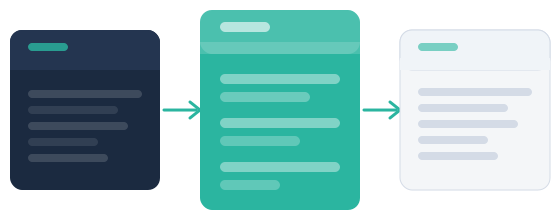
Before information is presented to a user, Srucemere applies a classification layer that assigns it to one or more categories based on predefined criteria. This reduces the effort required to locate specific types of content and makes the review process more systematic. Classification is not performed manually by the user; it is a function of the system's configuration. The categories themselves reflect the platform's intended scope and are consistent across all records of a given type.
Ask about classification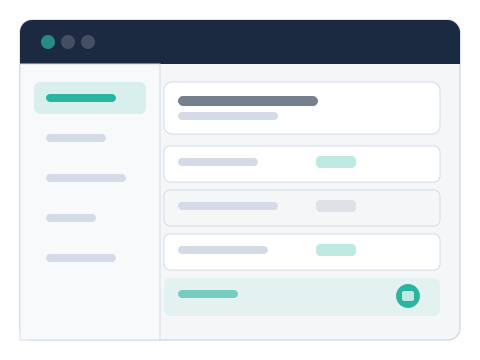
Data review
Moving through structured records with guided navigation
Once information is classified, users can move through it using the platform's review interface. The navigation follows the system's classification structure, surfacing records in an order that reflects the applied categories. Users can examine individual records in detail without losing their position in the broader review set. This function is designed for users who need to process a defined set of information rather than browse an open collection. The interface does not overwhelm users with all available records simultaneously; it surfaces them in manageable groups.
Read the system overview
Getting started
Steps to working with the platform
The process from first encounter to active use follows a straightforward sequence. Each step builds on the previous one.
Review the system overview
Start by reading the system overview page to understand what Srucemere is designed to do, what limitations apply, and whether the platform suits your situation.
Examine the available functions
Use this page to identify which platform functions are relevant to your needs. If anything is unclear, the contact form is available for specific questions.
Submit an access request
If the platform appears to suit your requirements, submit a request through the contact form with a brief description of your intended use case. No personal or sensitive information is required at this stage.
Await a response from the team
The Srucemere team will review your request and respond by email. Clarification may be requested before access is confirmed. Response times vary and are not guaranteed.
Feature summary
What the platform makes available
A concise reference of the functions users can expect to find within the Srucemere environment.
Review organised information within a consistent, structured interface that applies the same logic to every record type.
Focus on specific categories of information by applying the platform's classification filters to narrow the visible record set.
Inspect individual records in detail without losing your position in the broader review set or returning to the top of a category.
Submit questions or access requests directly through the platform's contact channel and receive a response from the team.
Access a summary view of the available information before beginning a detailed review, so you can orient yourself before proceeding.
Reach the Srucemere user support team for guidance on using the platform or understanding a specific aspect of its capabilities.
Ready to submit an enquiry?
If you have reviewed the capabilities and want to request access or ask a question, use the contact form.